Configure the Multiplexer component
The following sections explain the basic configuration for the Multiplexer component.
To configure the Multiplexer, follow these steps:
-
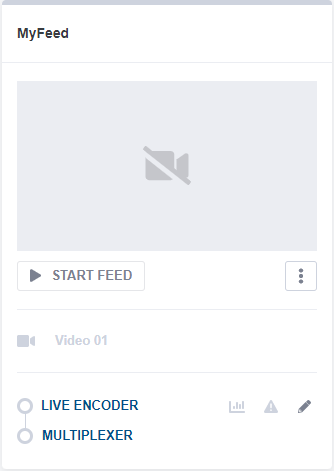
Click the icon next to the Multiplexer component within the CE1 feed. The Multiplexer settings open.
-
From the Stream processing tab, you can see that a service has already been created. Select this service.
-
Go to the Properties > Output section and enter a service name.
Other parameters are already configured.
Configure the Multiplexer Transport Stream
To configure the Multiplexer Transport Stream, follow these steps:
-
From the Stream Processing tab, click Transport stream.
-
Go to the Properties > Mux sub-tab:
- Check the Total Bitrate. If needed, you can modify it.
- To minimize the delay through the chain, set the following parameters in the Advanced settings section:
- Input buffer latency to 40 ms
- Scrambling latency to 10 ms
-
From the Properties > Output sub-tab, check the pre-defined parameters.
-
Click Save and continue to save your changes.