Configure break bumpers
Upon entire ad break replacement, commercial break bumpers may be added at the beginning and end of the ad break.
To configure break bumpers, follow these steps:
-
You have started configuring the ad decision server general parameters.
-
Go to the Break bumper tab.
-
Enter the appropriate value for each parameter:
Parameter Description Source URL Source URL of the break bumper manifest. Distribution URL pattern Break bumper segments/chunks distribution URL rewriting. 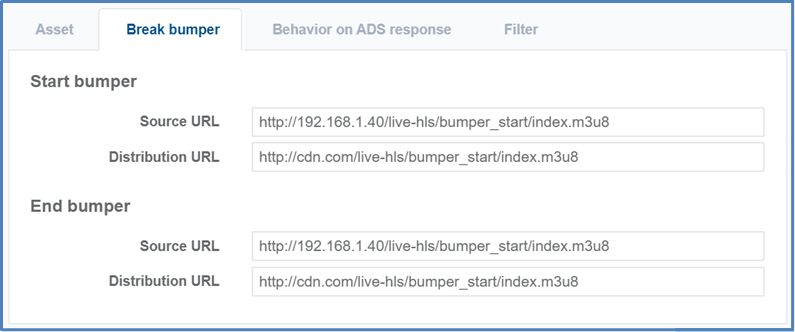
The breakDuration value will be reduced by the break bumpers duration.